



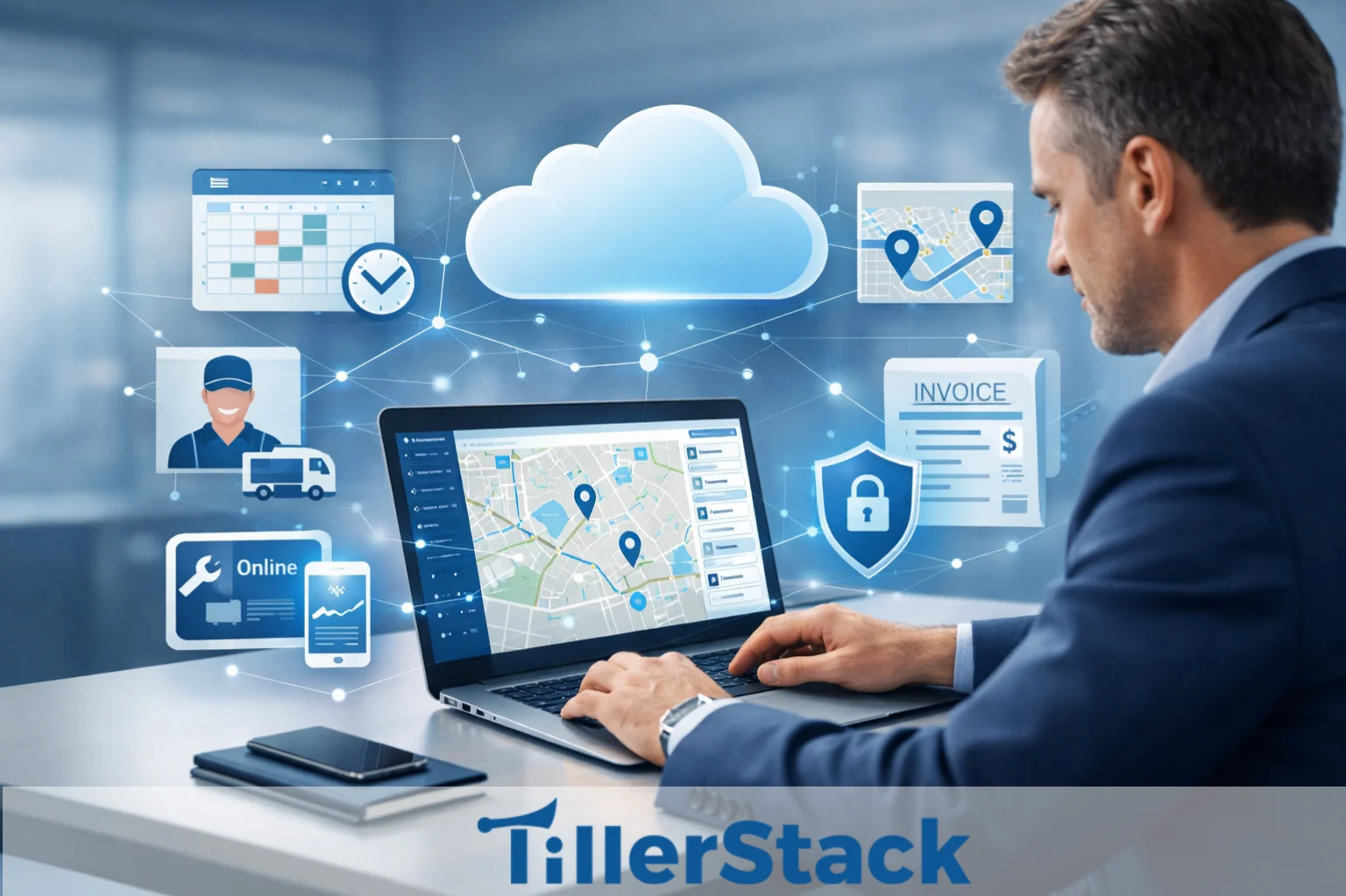
Cloud software is changing how service businesses operate, especially those managing field teams across different locations. Instead of installing programs on office computers or maintaining expensive in-house servers, cloud-based tools are hosted online and accessed through a browser or mobile app.
This makes it much easier for companies to manage their operations without the heavy IT setup or constant system maintenance.
More field service management (FSM) companies are moving to cloud-based solutions because they simplify and improve day-to-day operations. Office staff can manage their schedules on the job and update records from anywhere, while technicians receive real-time updates on their mobile devices while in the field.
Managers can have instant visibility into the current state of different teams, enabling them to make faster, better decisions. Built-in automation also reduces paperwork and repetitive administrative tasks, saving time and reducing errors.
A modern cloud platform centralizes all tasks in a single platform regarding scheduling, dispatching, invoicing, and reporting. By keeping everything in sync, businesses can improve productivity, respond to customers more quickly, and deliver a smoother service experience.
What is Cloud Software?

To understand how it will affect field operations, it’s helpful to answer a basic question: What is cloud software? Cloud software is a type of cloud computing that runs on servers that a provider controls and can be accessed over the internet. Users don’t have to install programs on each computer; instead, they log in through a secure online portal. The cloud stores and processes all data.
Most modern systems are SaaS cloud apps, which stand for Software as a Service. Users pay a subscription fee to use the platform without worrying about keeping the hardware up to date or maintaining it. The provider takes care of system upgrades and security patches and ensures the system runs as well as it can. This lets companies focus on their operations instead of their infrastructure.
Deployment and maintenance are the main differences between cloud software and traditional installed software. Local servers, manual updates, and on-site IT management are all things traditional systems need.
Cloud systems, on the other hand, update automatically and can be used on any device connected to the internet. This solves many technical problems that used to slow down growth. Common cloud tools businesses use include online accounting systems, CRM platforms, project management tools, and communication apps.
These solutions show how cloud computing software makes it easier to collaborate and keeps all data in one place. This same model now powers advanced field service management platforms for service companies.
What is Cloud Based Field Service Management Software?
Cloud FSM software is a specific program that helps run field service operations online. A cloud field service platform brings together office workers, technicians, and customers into a single digital space. Real-time scheduling and billing are just two examples of what happens.
Scheduling and dispatching tools are usually part of an FSM SaaS solution. These tools let managers assign jobs right away. Technicians can access their work orders through a mobile app, eliminating paper-based processes. Changes made in the field are synced with the office system instantly. This ensures everyone is using the same information.
Tracking customer jobs is another important part. Clients can receive service confirmations, status updates, and notifications without calling the office.
Companies that migrate these various processes to the cloud eliminate communication gaps and have better response times. The end result is a service experience that is more organized and professional.
Why Field Service Businesses Are Moving to Cloud Software
Service companies nowadays are increasingly adopting cloud software to address operational bottlenecks. Traditional systems often operate in silos, separating scheduling, billing, and reporting. Cloud platforms unify these functions into one centralized system. This improves visibility and accountability across departments.
FSM cloud adoption is also driven by the need for real-time technician tracking. Managers can see job progress, technician availability, and travel status without constant phone calls. GPS integration and live updates allow faster decision-making. When emergency jobs arise, dispatchers can respond immediately.
Remote office operations have become another critical factor. Business owners and managers can access dashboards from home, client sites, or multiple branch locations. This kind of flexibility can highly support distributed teams and growth in different locations. It also ensures business continuity in the face of unexpected disruptions.
Easier updates and maintenance further reduce operational strain. With cloud software, updates are automatic and do not interrupt daily workflows. It is not required to manually install patches or maintain on-site servers. This lowers IT costs while keeping systems secure and up to date.
For many companies, the transition is not just about modernization. It is about gaining control, improving coordination, and staying competitive in a fast-moving market.
Key Benefits of Cloud Software for FSM Companies

Cloud software is reshaping how field service companies manage their daily operations. Instead of relying on disconnected tools and manual processes, businesses can use a unified platform that supports both office staff and field technicians.
This shift creates new opportunities to improve coordination, efficiency, and overall service delivery. Below are several key benefits that explain why many FSM companies are moving their operations to cloud-based systems.
Remote Access Anytime Anywhere
One of the strongest advantages of remote field service software is universal accessibility. Office staff and field technicians operate from the same system regardless of location. A dispatcher in the office can assign a job, and a technician can view it instantly on a mobile device.
Mobile app usage is central to this functionality. Technicians can update job notes, capture photos, collect digital signatures, and generate invoices directly from their smartphones. This eliminates delays caused by paperwork returning to the office. It also reduces errors from manual data entry. Remote access improves coordination and accountability. Managers gain full visibility into daily operations without relying on fragmented communication. As a result, service teams move faster and make better decisions.
Real Time Scheduling and Dispatch
Real-time scheduling FSM tools significantly improve operational agility. With the use of dashboards, dispatchers can access the technician’s information, such as availability, skill sets, and location, without any hassle. Drag-and-drop scheduling features simplify job assignments. This reduces administrative effort and minimizes scheduling conflicts. Instant job updates keep technicians informed about changes. If a customer suddenly wants to change their schedule or an urgent request arises, modifications can be made immediately. The system automatically reflects these changes for everyone involved. This responsiveness enhances service reliability.
Technician availability tracking also prevents overbooking and downtime. Managers can balance workloads more effectively. With improved planning, companies increase daily job completion rates without increasing headcount.
Lower IT and Setup Costs
Affordable FSM software is a major reason businesses transition to cloud platforms. Unlike traditional systems, there is no need to purchase or maintain local servers. Hardware expenses and IT labor are significantly reduced. This makes advanced technology accessible to small and mid-sized companies.
Subscription pricing spreads costs over predictable monthly or annual payments. Businesses only pay for the users and features they need. As operations grow, additional licenses can be added easily. This flexible cost model supports scalability.
Automatic upgrades further reduce hidden expenses. Companies do not need to budget for major version updates separately. The provider will proactively develop and update the platform, guaranteeing the latest features without additional installation effort.
Better Customer Communication
Customer communication FSM tools improve the overall service experience, thereby increasing customer satisfaction. Automated reminders reduce no-shows and last-minute cancellations. Customers receive confirmations and updates without having to make manual calls to office staff. This saves time and improves professionalism. SMS notifications and email alerts keep clients informed about technician arrival times. Real-time updates build trust and reduce uncertainty. Customers appreciate transparency during service visits.
Job status tracking also empowers customers with visibility into their jobs. Some platforms offer a feature that lets clients review their service history and invoices through a customer portal. Clear communication strengthens long-term relationships and increases repeat business.
Data Security and Cloud Backup
The most important thing for secure cloud FSM systems is data protection. Established business stores confidential and personal information by passing it over secure channels. Access controls ensure that only authorized users can view or change records.
Automatic backups protect you from accidentally losing things. Even if a device breaks or is stolen, the data is still safe in the cloud. This makes business owners feel better about handling customer data and financial records.
Unmanaged local systems usually have less security than cloud platforms. Systems are less likely to be hacked when they are regularly checked and updated. For service companies, secure cloud FSM solutions are both reliable and efficient.
Core Cloud FSM Features Businesses Should Look For
When evaluating FSM software features, businesses should focus on tools that improve workflow efficiency. A centralized job scheduling dashboard is necessary to keep daily tasks in order. It should let you see calendars, filter technicians, and drag and drop things. Clear layouts help people avoid mistakes when scheduling.
A technician’s mobile app is just as important. While on the job, field workers need to be able to see job details, customer information, and service history. Offline features are useful in areas with limited internet access. Mobile functionality makes it easy for people in the office and in the field to communicate.
Keeping track of your inventory can help you avoid running out of stock or having to wait. Real-time updates on parts use and availability make purchasing planning easier. With preventive maintenance equipment, businesses can set up automatic daily service visits. This allows customers to stay for a long time and provides a steady stream of income.
With reporting and analytics, it provides information about technician performance metrics, such as job progress and technician productivity. CRM integration links customer information with service history to give you a full picture of how your business is running. The best cloud FSM tools offer all these features through an easy-to-use interface that helps you get things done quickly every day.
Cloud Software vs Traditional FSM Software
The comparison of cloud vs. on-premises FSM systems highlights several operational differences. Installation for outdated software usually takes much longer, for about a week, because of the server setup and configuration. Cloud systems typically launch within days because infrastructure is already in place. This accelerates deployment.
Maintenance responsibility is another key distinction. On-premise systems require internal IT teams to manage updates and security patches. Cloud providers handle maintenance automatically. This reduces the technical burden on service businesses.
Accessibility also differs significantly. Traditional systems often restrict access to office networks. Cloud platforms allow secure login from any internet-connected device. This flexibility supports remote management.
Cost models vary as well. On-premise solutions involve large upfront investments, while cloud systems operate on subscription pricing. It is evident that scalability is much easier with cloud software, enabling businesses to scale up as they grow without needing to replace infrastructure.
How to Choose the Right Cloud FSM Software
Finding the right cloud FSM software takes more than a quick feature comparison. It helps to first step back and look at your business as a whole. How big is your team today? Are you planning to expand? A smaller company might only need solid scheduling and dispatch tools, while a larger or growing operation may benefit from automation, performance tracking, and deeper reporting.
Picking the right system that meets your current needs while still allowing for growth can save both money and frustration later on. It is also important to consider the software’s daily users. Technicians need a mobile app that’s simple, responsive, and easy to navigate in the field. If the system feels complicated or slow, it can hurt productivity rather than improve it.
At the same time, check how well the platform connects with your existing tools, such as accounting or CRM systems. Good integration keeps information flowing smoothly and reduces duplicate work. Budget planning should go beyond the monthly subscription alone. Review what’s included, what costs extra, and whether there are setup or support fees. Clear pricing makes long-term planning easier. Most importantly, it has reliable customer support. When issues arise, a quick, knowledgeable response keeps operations moving smoothly.
Taking a thoughtful approach to selection can make a big difference in how effectively your field service team runs day to day.
Conclusion
Cloud software is no longer an emerging trend for service businesses. It has become the operational standard for efficient field management. From centralized scheduling to secure data storage, the advantages are clear and measurable.
A modern cloud-based FSM software solution improves visibility, coordination, and customer satisfaction. It reduces IT burdens while enabling automation and remote access. These improvements directly impact productivity and profitability. As service companies continue to expand and customer satisfaction changes, scalable systems become vital. Cloud platforms provide the flexibility needed to adapt quickly. For organizations seeking better management and sustainable growth, cloud-based FSM is a smart move and an investment.
FAQs
What is cloud based field service software?
Cloud-based field service software is an online system that manages scheduling, dispatching, invoicing, and technician communication via the internet rather than local servers.
How does cloud software help service businesses grow?
It improves efficiency, automates processes, and provides real-time insights, allowing companies to handle more jobs without increasing overhead.
Is cloud FSM secure for customer data?
Absolutely, secure cloud FSM platforms use encryption, access-based controls, and automated backups to safeguard private information.
Can technicians use cloud FSM on mobile phones?
Yes, most systems include mobile apps that allow technicians to receive assignments, update job status, and capture signatures directly from smartphones.
Is cloud FSM good for small service companies?
Absolutely. Subscription pricing and reduced IT requirements make it accessible and scalable for small businesses.
What is the difference between SaaS and cloud software?
SaaS is a cloud software delivery model in which applications are accessed via a subscription over the internet.
How much does cloud FSM software cost?
Costs highly depend on features and user density, typically structured as a monthly or annual subscription-based payment.
Do cloud FSM tools support preventive maintenance?
Yes, many platforms include automated scheduling features for recurring maintenance services.