



What Is Augmented Reality? A Practical Guide for Field Service Teams
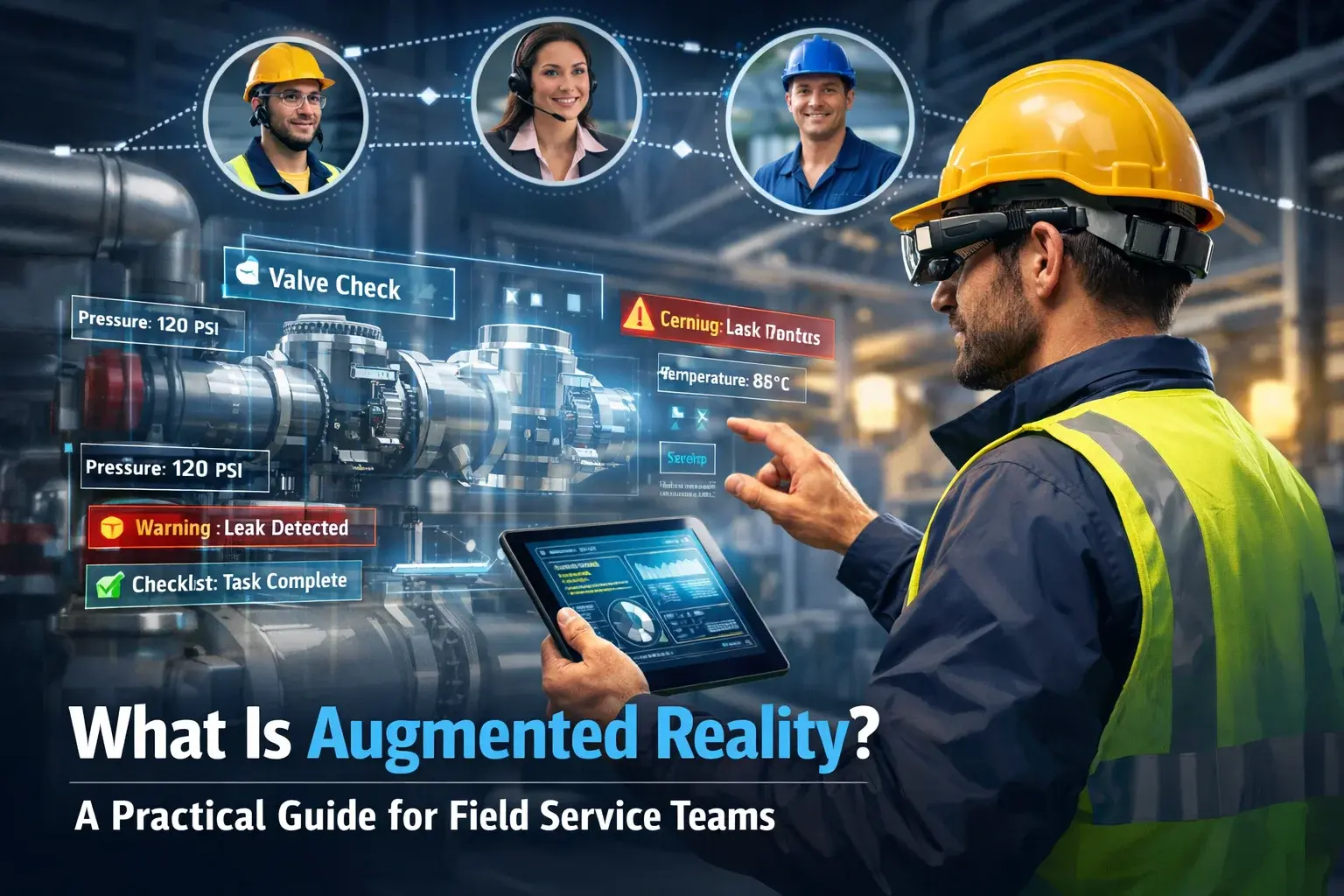
Field service teams often work in complex environments where accuracy, speed, and access to expertise matter. Traditional manuals and remote calls are often insufficient to resolve problems in real-time.
Augmented reality (AR) changes this by layering digital information—such as instructions, diagrams, or guidance—directly onto the physical world. AR does not replace reality—it supercharges it, giving technicians a clear view of precisely what to do as they tackle each task.
This article explains what augmented reality is, guides through how it works, compares it to virtual reality, and shows reasons for its growing role in modern field service tasks.
What is Augmented Reality AR?
Augmented reality adds digital elements to the physical world, changing how people experience their surroundings. One key benefit? It delivers helpful data while keeping users engaged in actual settings – through tools like overlays or visual cues rather than removal from reality.
Unlike virtual reality, which takes you out of your surroundings, augmented reality adds digital elements right into the world around you, blending them smoothly with what you already see. This way, you can see instructions, visuals, or data while still focusing on what is happening around you, making it easier to understand and act on the information.
To comprehend how augmented reality functions, one must interrogate the substratal technological architecture. Augmented reality technology employs smartphones and smart glasses as primary display devices within operational ecosystems. Embedded cameras actively capture environmental data, enabling computational interpretation of surrounding spatial contexts.
AR software is the one that involves the usage of real-time tracking that ensures that the digital material is being applied to the real-world objects properly. The system continuously updates the images as the users move around. This makes sure that the information stays in line with reality and makes the system feel natural to use.
How does Augmented Reality Work?
To understand how augmented reality works, you need to know how digital stuff is added to the real environment in real time. Augmented reality technology combines cameras, sensors, and software to pinpoint a person’s location and then overlays digital elements, such as graphics, labels, or instructions, on top of their view.
AR comes in two main types: marker-based and marker less. Marker-based AR works by recognizing something, like a QR code or image, and immediately adds digital content to it. Markerless AR, on the other hand, reads the environment using sensors, GPS, and spatial mapping, seamlessly placing digital objects anywhere in the real world.
Most people use regular AR devices similar to smartphones and tablets to access augmented reality experiences. These devices come equipped with cameras, screens, and motion sensors. For more advanced or professional tasks, people turn to AR glasses to get an even richer experience. They enable users to view digital overlays without having to use their hands when engaging with their environment.
Real-World Examples of Augmented Reality in Everyday Use
Navigation
AR navigation tools, such as Google Maps Live View, guide you by placing arrows and directions directly onto your camera view, turning busy streets and unfamiliar places into easy-to-follow paths.
Measurement
Mobile AR measurement apps enable users to measure distances, spaces, and objects by simply pointing their smartphone camera at their surroundings, eliminating the need for physical measuring tools.
Mobile and Field Applications
Mobile apps are utilizing augmented reality to enhance user productivity. For instance, Tillerstack’s field service platform uses AR-enabled remote support solutions that let personnel on-site engage with experts through live video and visual overlays. This helps fix problems faster without having to go back to the site.
Shopping and Product Visualization
Retail applications use augmented reality to display goods like furniture directly within a user’s space. As a result, customers get a sense of size and style prior to buying. Instead of guessing, they see virtual objects placed realistically at home. This visual preview supports better decisions while reducing uncertainty during shopping.
Entertainment and Social Media
Games and social apps use AR to drop digital characters, filters, and effects right into the real world, making everything feel more fun, interactive, and engaging.
Difference Between Augmented Reality vs Virtual Reality vs Mixed Reality?
People commonly discuss AR, VR, and MR together, yet each has distinct applications. It is easy to pick the proper technology for your needs when you know the differences between AR and VR.
Virtual Reality (VR) immerses users in a fully digital, computer-generated environment, replacing the real world entirely. Many people use VR for interactive simulations in games, schools, and research.
Augmented Reality (AR) overlays digital content onto the physical environment, enhancing reality rather than replacing it. AR finds applications in healthcare, manufacturing, and retail, offering interactive learning and safety training.
Mixed Reality (MR) combines physical and digital elements, allowing real and virtual objects to interact in real-time. VR separates users from the real world, and AR augments it. MR applications include industrial design and surgery visualization.
Augmented reality adds digital layers to the real world, while VR creates a completely digital universe, and MR combines the two to create interactive experiences. All of these technologies work together to shape new fields like the Metaverse.
The Role of Augmented Reality in Modern Field Service Work
Augmented reality within field service paradigms is reconfiguring how technicians execute repair, inspection, and maintenance operations. By superimposing digital instructions and visuals onto physical equipment, AR delineates precise actions, diminishing errors and amplifying efficiency.
AR also makes troubleshooting much faster in the field. Technicians can get real-time help from remote experts using on-screen notes and visual cues, cutting downtime and avoiding unnecessary site visits. In fact, some companies report resolving issues 12% more often on the first visit and seeing customer satisfaction jump by as much as 68% after using AR-powered remote support.
Moreover, augmented reality makes training and knowledge sharing easier in the field. New employees are able to train on complicated processes without having to touch a multi-billion-dollar machine, and recorded AR sessions provide teams with something to review in the future. AR places handy information before technicians, whether it’s for maintenance or reading data, in order to fix the issue and work at a safer pace.
Benefits of Augmented Reality for Field Service Teams
- Improved accuracy and fewer errors: By displaying 3D diagrams and step-by-step instructions directly on equipment, AR helps technicians avoid mistakes. According to multiple industry studies, error rates can drop by up to 25%, while task completion speeds improve by over 30%.
- Reduced downtime and faster repairs: AR-powered remote assistance enables senior experts to support technicians in real time. Research shows this can reduce mean time to repair (MTTR) by around 20% and cut task completion times by up to 50%.
- Lower training and onboarding costs: Field service AR supports hands-on learning in real work environments. According to Forrester Consulting and Lockheed Martin, AR-based training can reduce onboarding time by 50–60% while accelerating skill development.
- Higher first-time fix rates: With more explicit guidance and faster issue resolution, AR improves first-time fix rates by up to 25%, which can translate into significant cost savings—potentially $20 million or more annually for large organizations.
AR in Field Service Operations — Practical Use Cases and Examples
Augmented reality is changing how technicians do maintenance, repairs, and other tasks by putting digital instructions and 3D models right on top of real equipment. Even with complicated machines, technicians can follow step-by-step visual overlays to make fewer mistakes and work more quickly.
Remote Assistance and Troubleshooting. Field workers can use AR devices to show experts a live view of the equipment. The experts can draw directly on the screen to guide them, helping technicians fix problems quickly and accurately—even without prior experience with the equipment.
Interactive Visual Instructions. AR swaps out paper manuals for smart, on-screen guides. Technicians can see exactly which parts to handle, the correct order to assemble them, and live data from sensors—helping cut mistakes and make maintenance smoother.
Training and Onboarding. With AR, new technicians can learn while they work. They can practice tasks safely, get instant feedback, and pick up skills faster—helping close the skills gap on the job.
Platforms like TillerStack use AR technology in fieldwork, enabling technicians to get live help, visual aids, and real-time equipment information right at the location. This ensures faster troubleshooting, higher accuracy, and more efficient workflows, especially when dealing with complex machinery or limited on-site expertise.
Getting Started With AR — What Field Service Teams Should Know
Bringing augmented reality into field services might seem like a huge step, but taking it one smart move at a time makes the process easier and more effective. The trick is to approach AR adoption in small, manageable steps instead of trying to do everything at once.
Identify High-Impact Scenarios First
Start by searching for the spots where AR can really make a difference—like tricky repairs, inspections that often go wrong, or complicated machines that confuse new technicians. Run a small test in these areas so your team can try it out, give feedback, and tweak things before rolling it out everywhere.
Choose the Right Tools for Your Team
Pick the right AR tools for your team. There are lots of options—tablets, smartphones, or smart glasses—and each works better in different situations. For hands-on, tricky repairs, wearable glasses are great, while tablets can be enough for simple guided inspections.
Invest in Training and Hands-On Practice
Make time for training and hands-on practice. Even easy-to-use AR tools need a bit of getting used to. Let technicians try things out on-site with visual overlays, step-by-step guides, and remote support, and encourage them to give feedback so everyone feels confident using it.
Integrate With Existing Systems
AR works best when it fits right into your existing workflow. Connect it to your service software, asset info, and schedules so data flows easily, letting technicians use AR as a handy everyday tool—not something extra to deal with.
Measure, Learn, and Expand
Track improvements in task completion, error reduction, and first-time fix rates. Use these insights to adjust the approach, expand AR to other teams, and build a culture of technology-driven efficiency.
Field service teams can successfully adopt augmented reality by taking a step-by-step approach: starting with small pilot projects, selecting the right AR devices, providing hands-on staff training, and embedding AR into daily workflows.
This approach enables technicians to complete tasks more precisely, solve issues more quickly, reduce equipment downtime, and carry out their work with greater confidence and effectiveness.
Conclusion
The augmented reality is transforming the field service environment. Field service AR will enable technicians to navigate the complex equipment, investigate more quickly, and make informed decisions on the spot by placing digital instructions, visual navigation guidance, and live data over the physical one.
AR is also a strategic tool that not only assists teams in bridging skill gaps, working remotely, and improving operations in the field, but also creates efficiencies immediately. The fact that tools and platforms with the inclusion of AR are implemented into the routine of daily workflow shows that technology can be applied to enhance knowledge sharing and decision-making to create more innovative and more resilient teams.
With the adoption of augmented reality in the field service of organizations, it becomes less about a reactive approach to problem-solving and more about proactive and data-driven operations, which places teams in better positions to provide quicker, safer, and more accurate services in the present and in the future as well.
FAQs
What is augmented reality (AR) and how does it work?
AR overlays digital information onto the real world using devices like smart glasses, tablets, or smartphones.
What are the uses of Augmented Reality?
AR is used for maintenance, repair guidance, training, remote assistance, and data visualization.
What are the features of Augmented Reality?
Key features include visual overlays, interactive 3D models, real-time data integration, and remote collaboration.
Why is augmented reality becoming important for modern field service teams?
It helps technicians reduce errors, troubleshoot faster, and manage complex equipment efficiently.
How can augmented reality improve efficiency for field service teams?
AR accelerates repairs, improves first-time fix rates, shortens training time, and supports real-time decision-making.